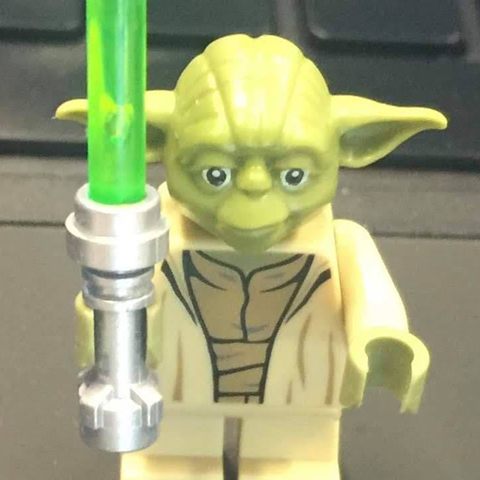

Stud Sculpt
Turn a 3D model into a brick sculpture you can actually build, then refine every piece the way you want.
- Windows 10/11 · 64 bit · 3.0 MB
- macOS · Apple Silicon and Intel · 12.2 MB
- version 0.1.0
On Windows you may see the warning “Windows protected your PC”: click “More info” and then “Run anyway”.
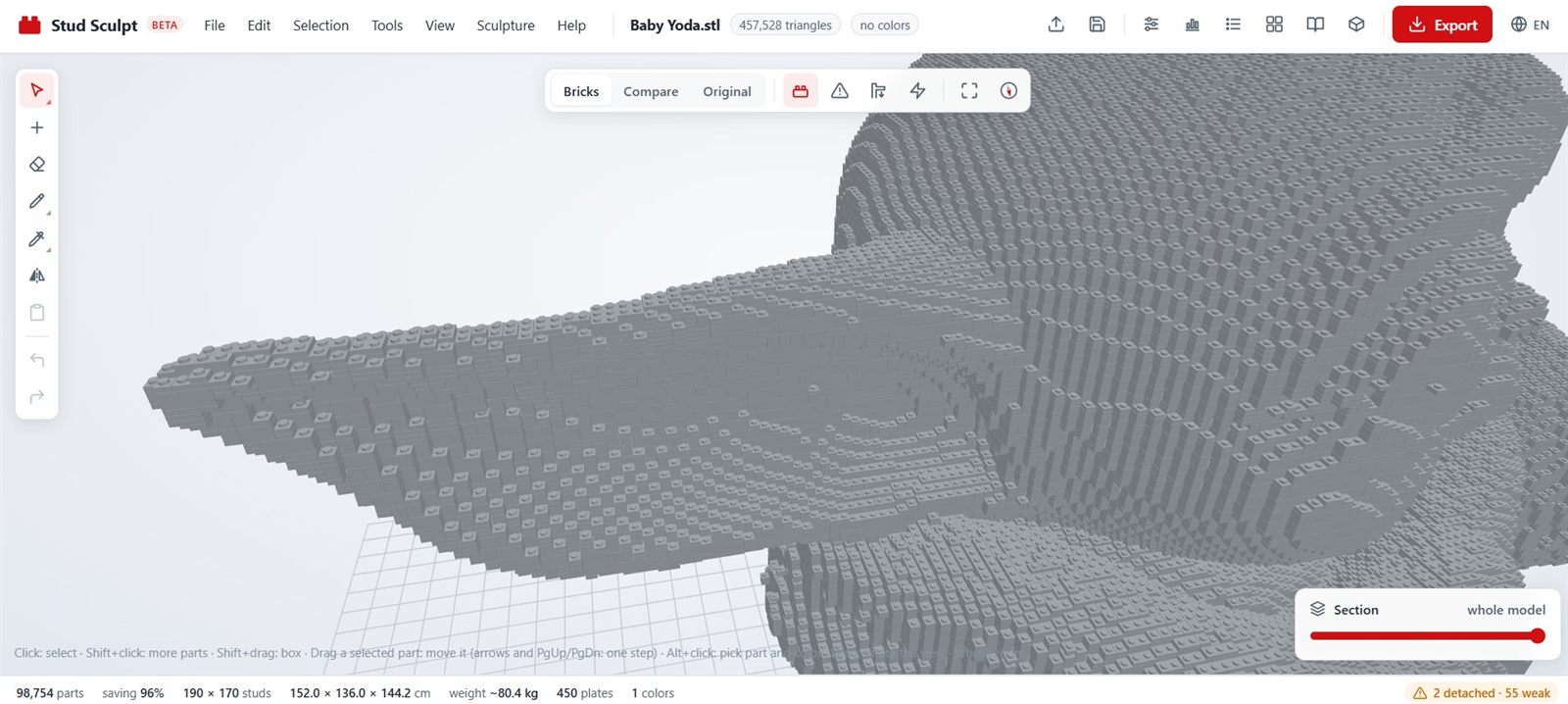
Stud Sculpt at work
What it does
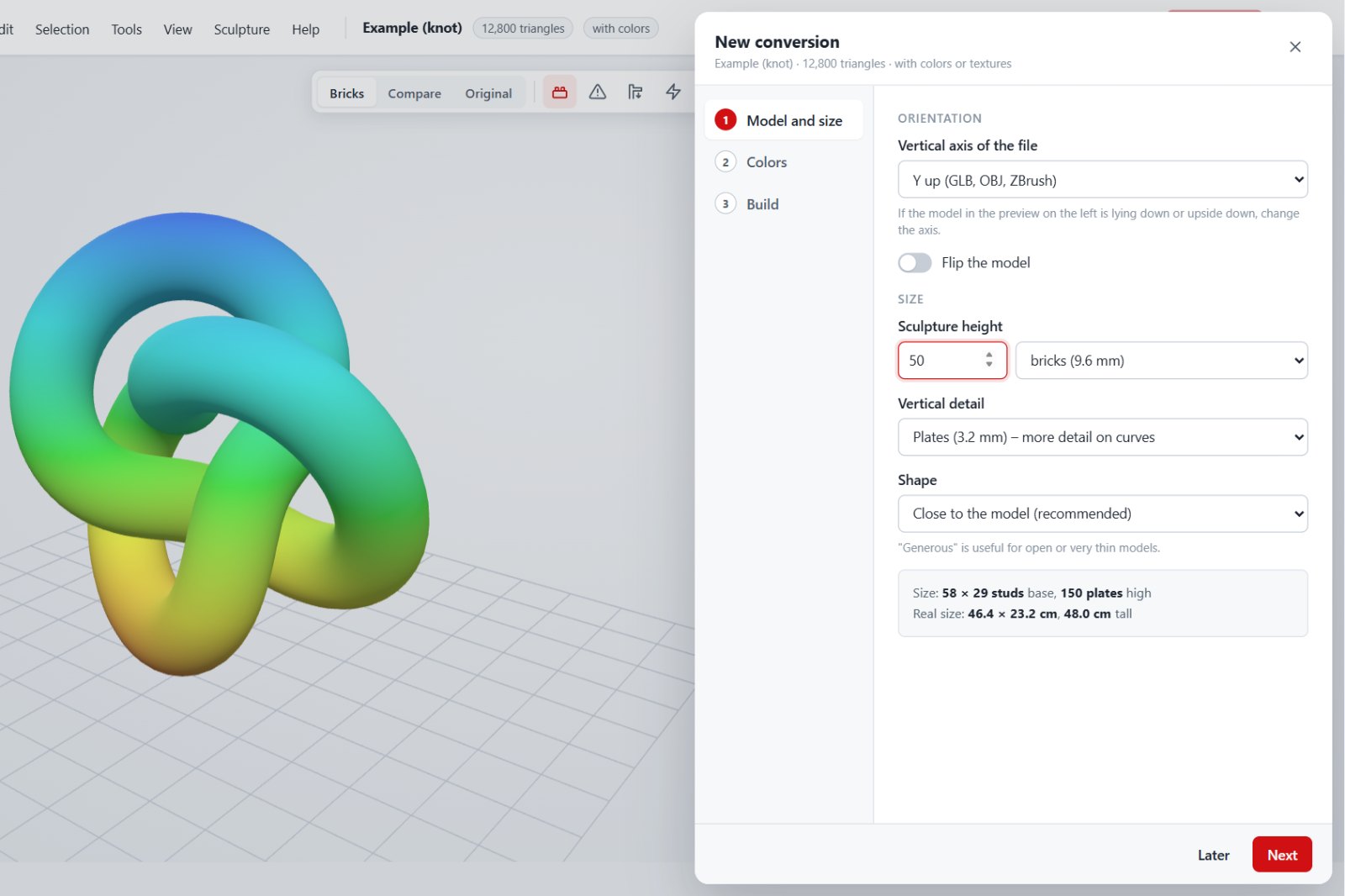
From 3D to bricks
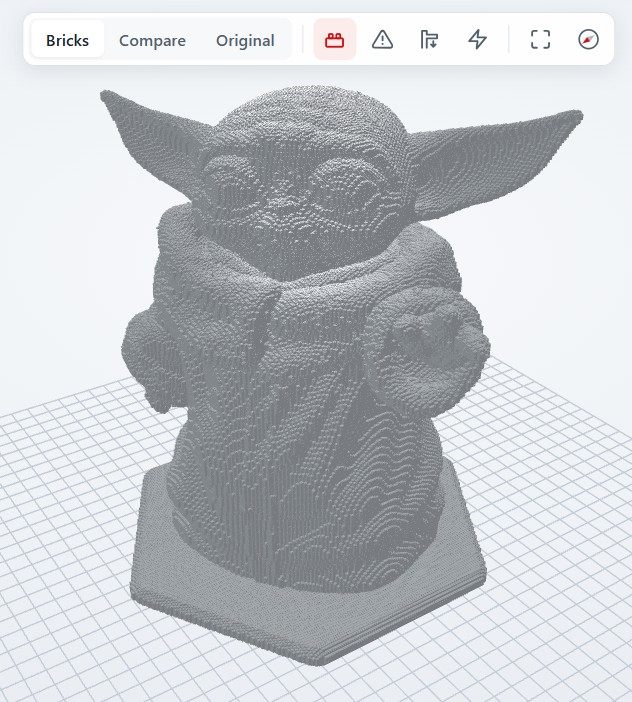
Opens OBJ, STL and GLB/GLTF models, sets the scale in studs or centimeters and converts everything into plates and bricks with staggered joints.
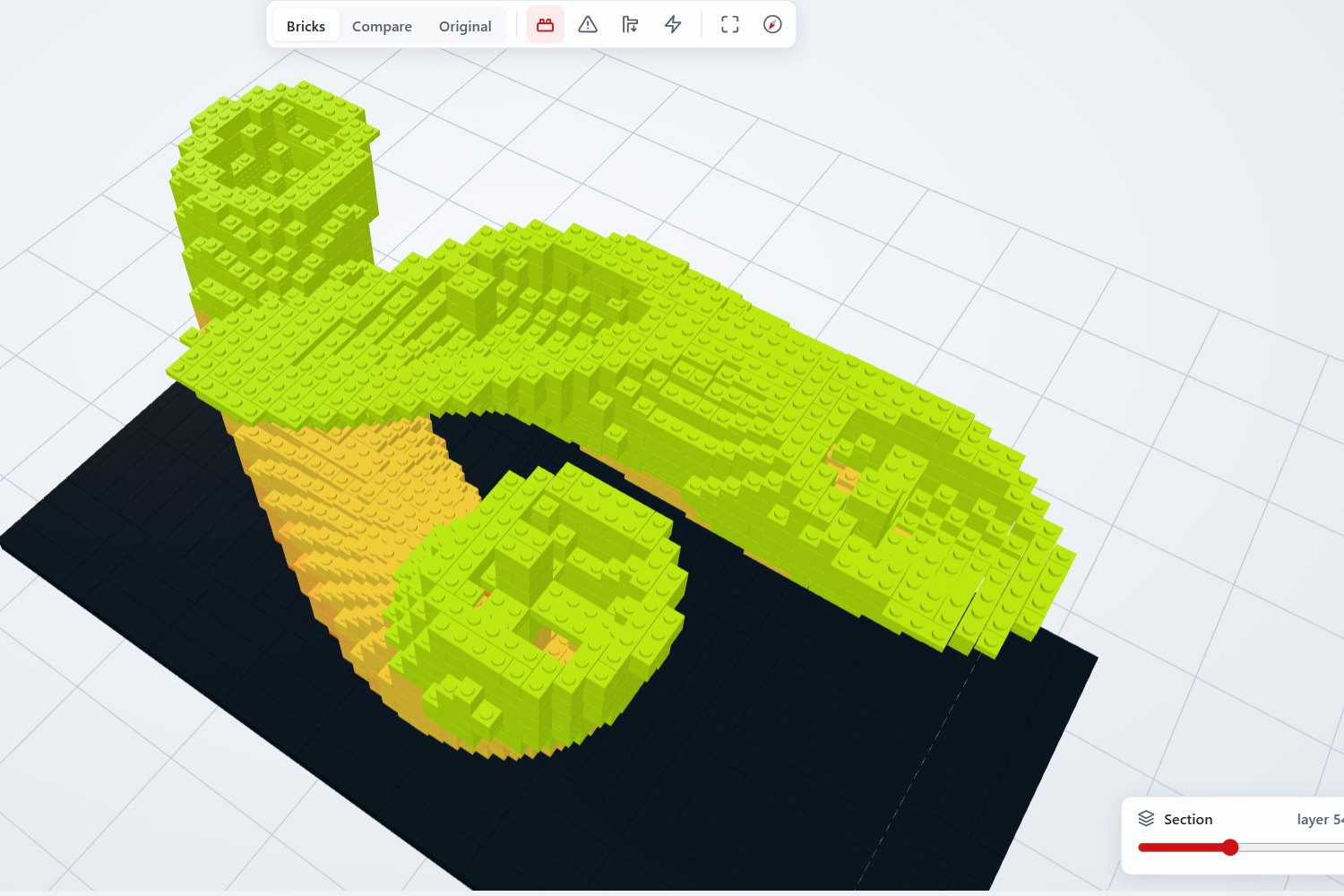
Hollow interior
A shell as thick as you want, with pillars and a reinforcing grid inside: fewer pieces, same strength.
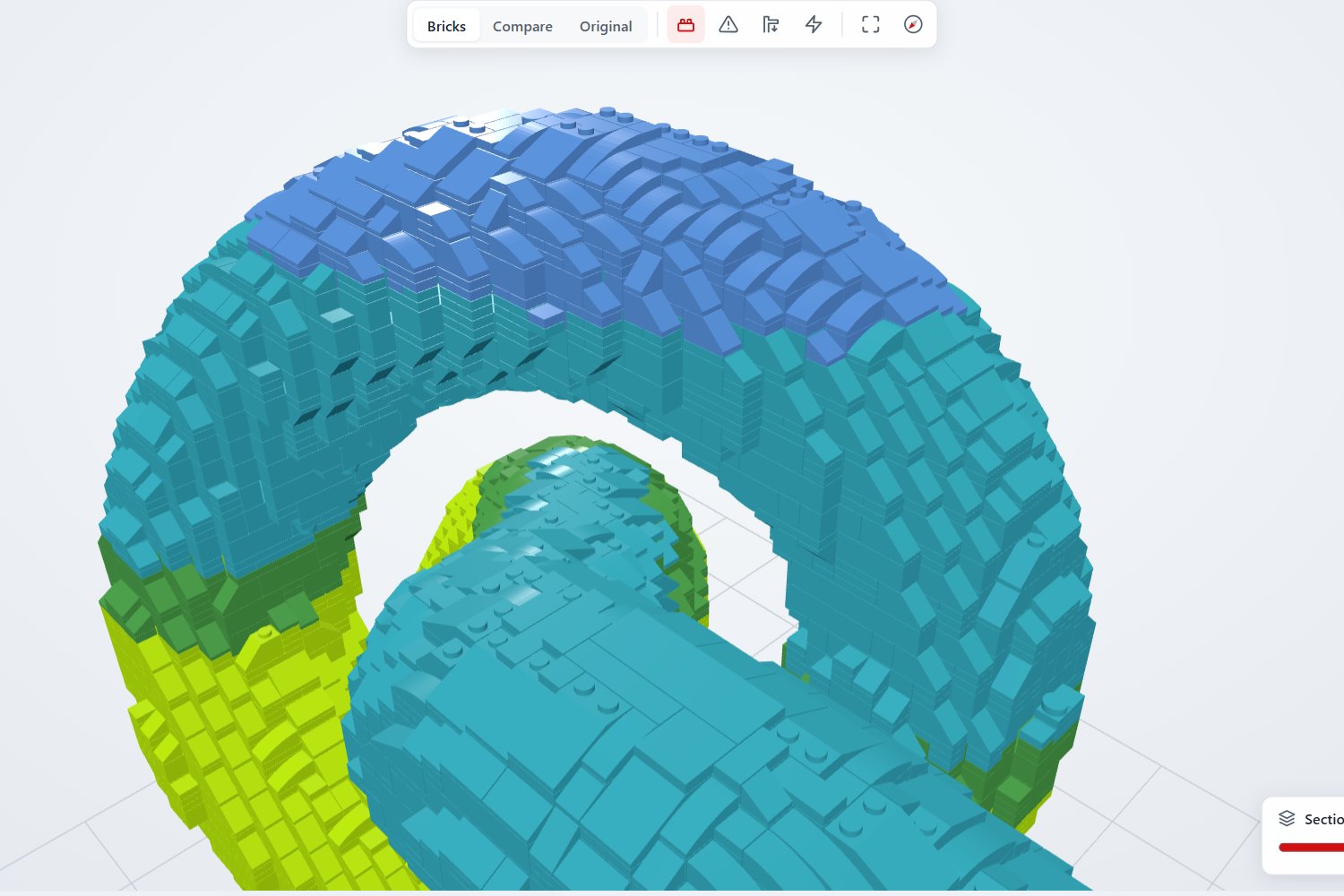
Smooth surfaces
Slopes and curved slopes on steps, smooth tiles on top and round pieces for details.
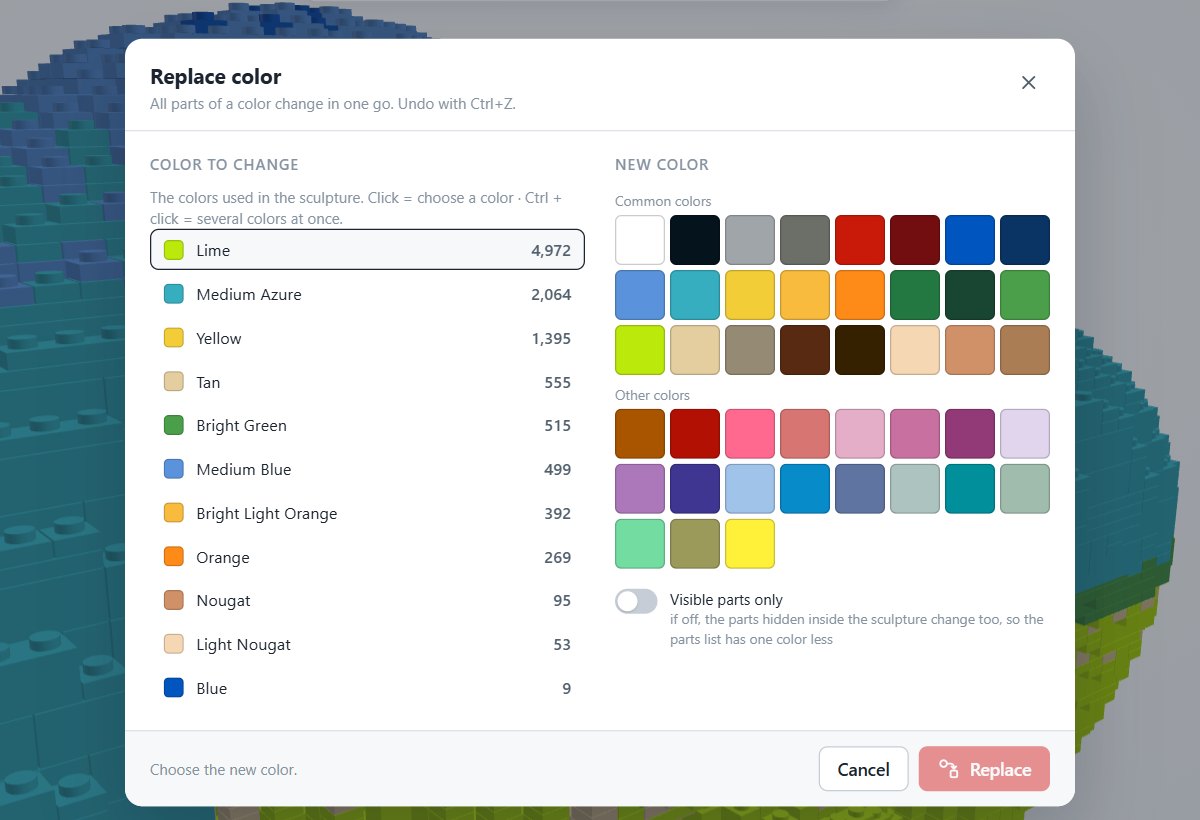
Brick colors
The closest brick color, dithered gradients and replacing a color across the whole model.
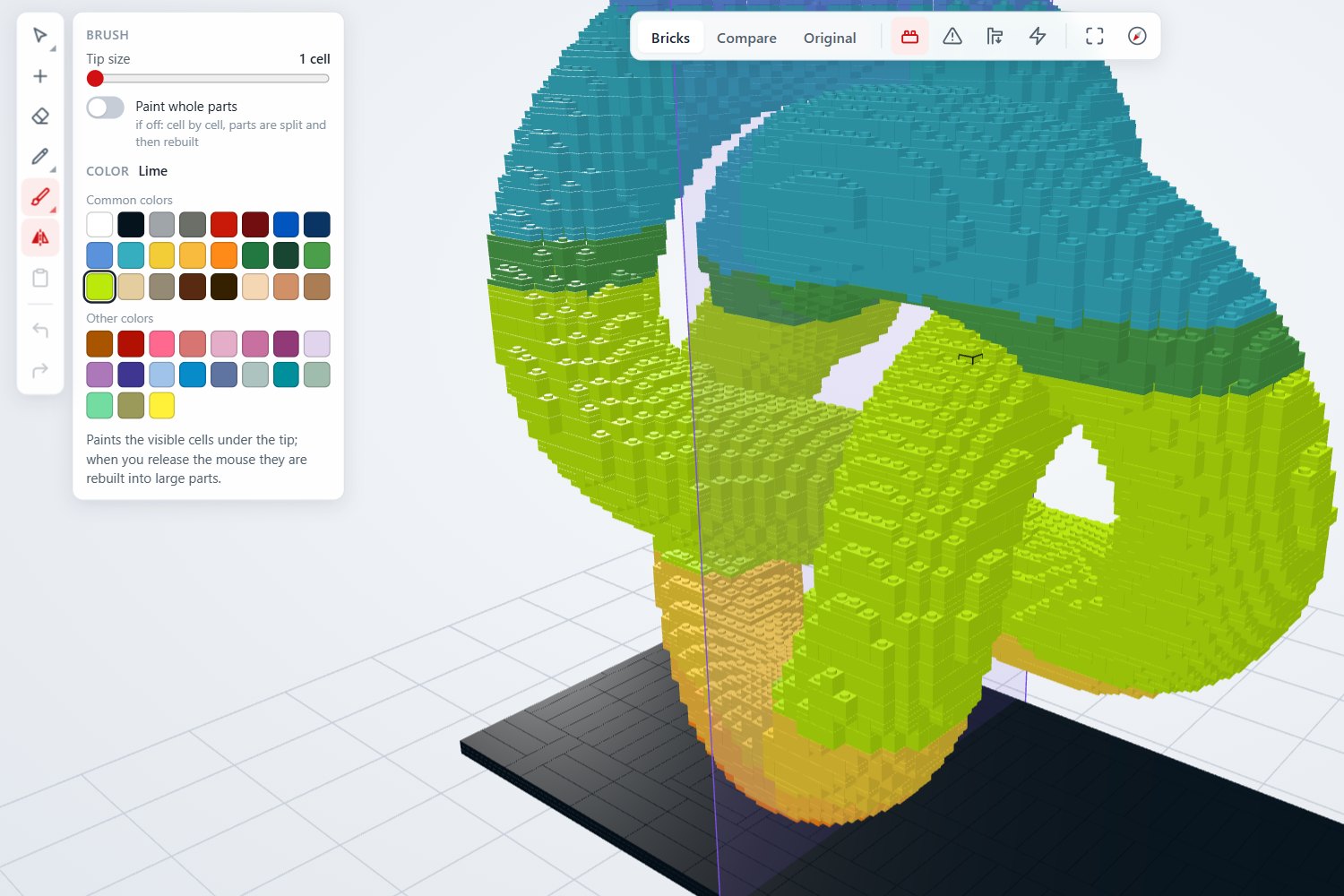
Piece-by-piece editor
Add, remove, paint, split and merge bricks, with symmetry, smoothing and undo/redo.
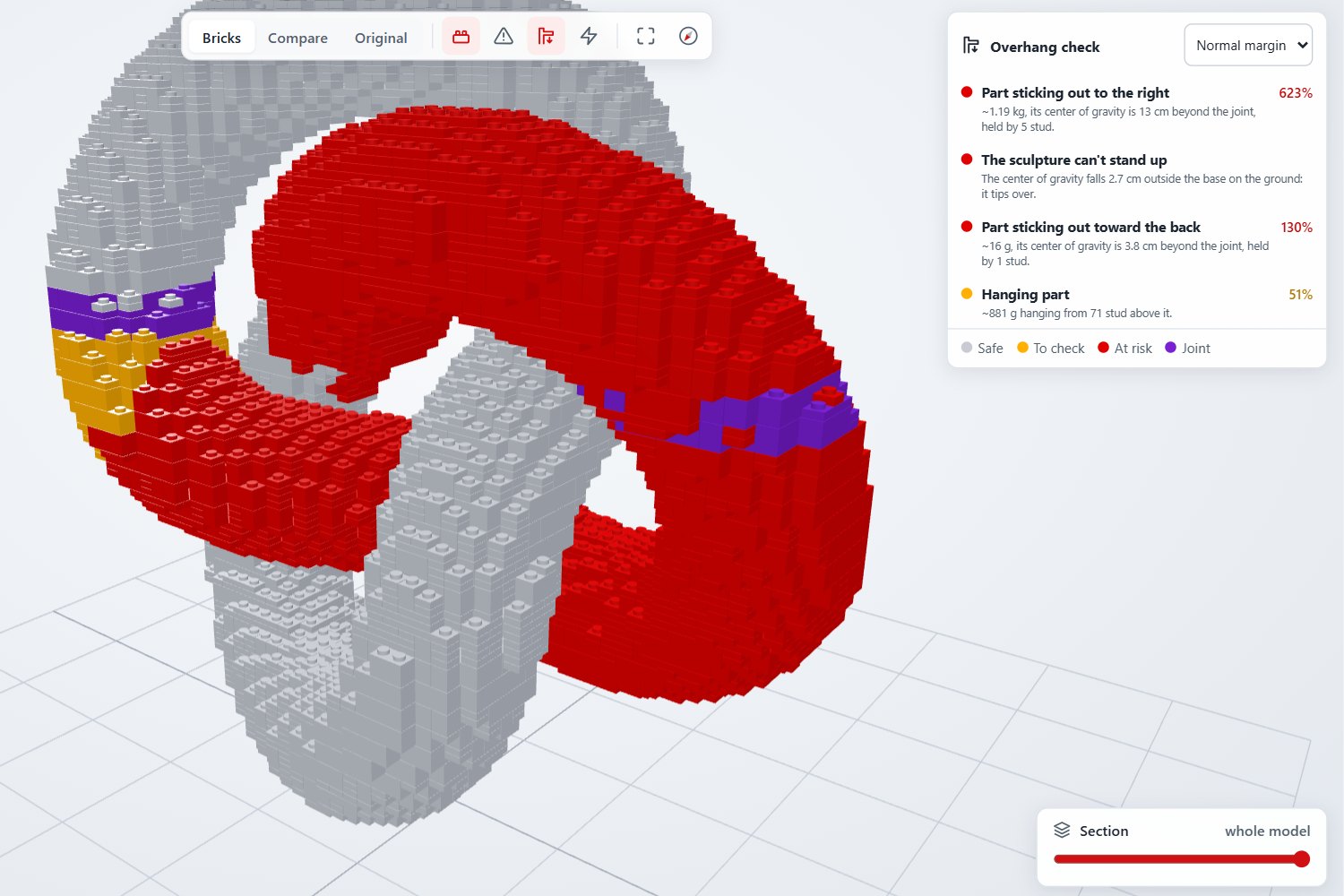
Stability under control
Flags poorly connected pieces and parts that overhang too much; calculates final weight and size.
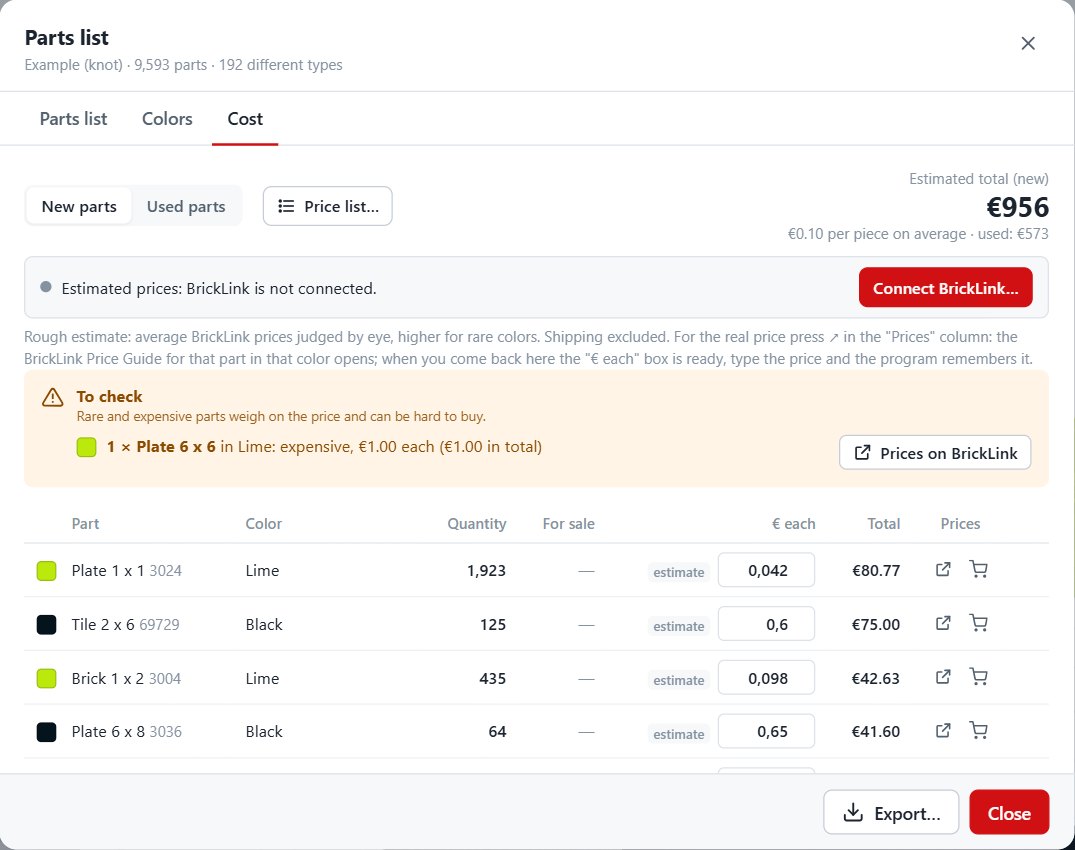
Parts list and costs
BrickLink parts list, cost estimate and comparison with your inventory imported from BrickLink or Rebrickable.
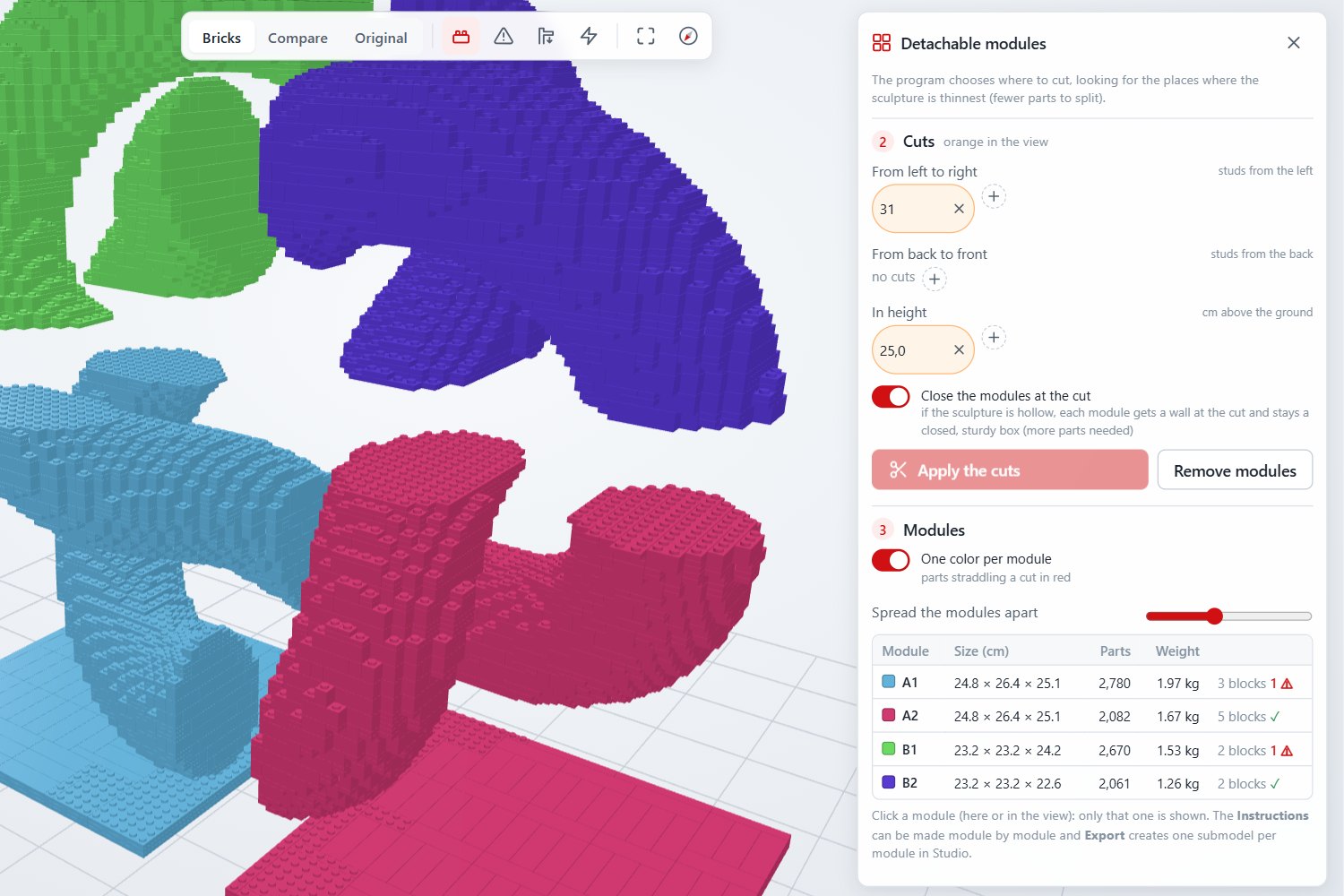
Instructions and modules
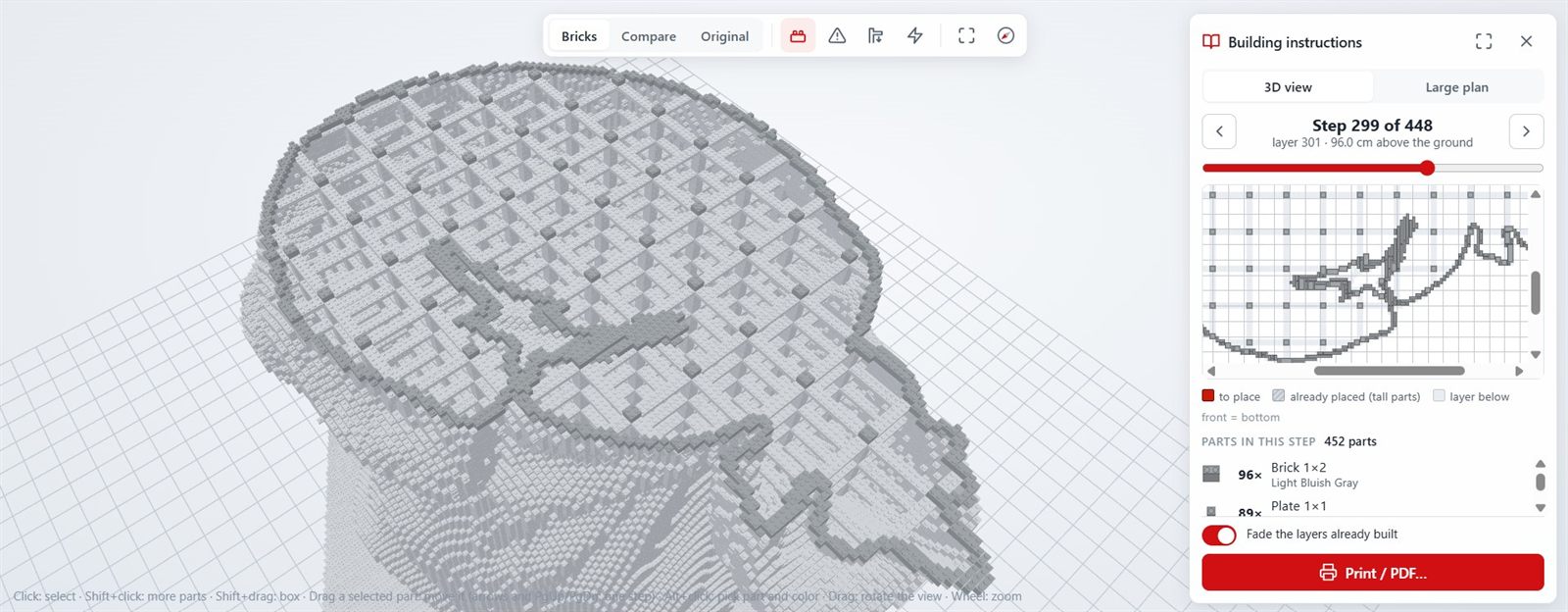
Layer-by-layer building instructions to print as PDF, splitting into modules and an automatic base.
Studio and BrickLink
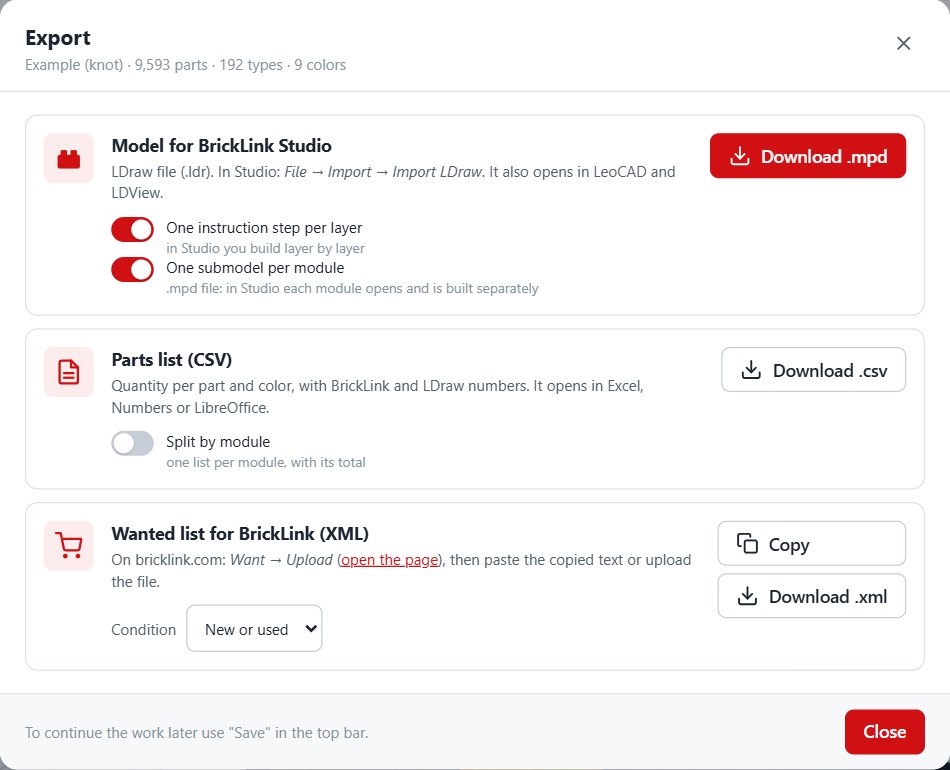
Exports to LDraw (.ldr) for BrickLink Studio and opens .io, .ldr and .mpd files. In six languages.
How it works
Load the model
A model made in Blender or ZBrush, or downloaded from the internet.
Choose the size
Height in studs or centimeters, shell thickness, pieces and colors to use.
Refine
Touch up the details in the editor and check stability and overhangs.
Build
Order the pieces on BrickLink and follow the layer-by-layer instructions.
Trial version
30 days free from first launch to try the program. During the trial:
- sculptures up to 50 bricks tall
- no saving projects or exporting
- no printing of instructions
Support the project
Stud Sculpt was born from a LEGO fan's passion, with a simple idea: turning any 3D model into a sculpture you can really build, piece by piece.
Behind it are many hours of work: coding, testing and building. If you like the program and want to help me improve it and add new features, you can buy me a few coffees: every contribution is a great encouragement!
☕ Buy me a few coffeesStud Sculpt is an independent program: it is not a product of the LEGO Group, BrickLink or Rebrickable, nor is it endorsed by them.